- Home
- POS & Ordering
- Reservations
Bookings
Reservations built into your POS
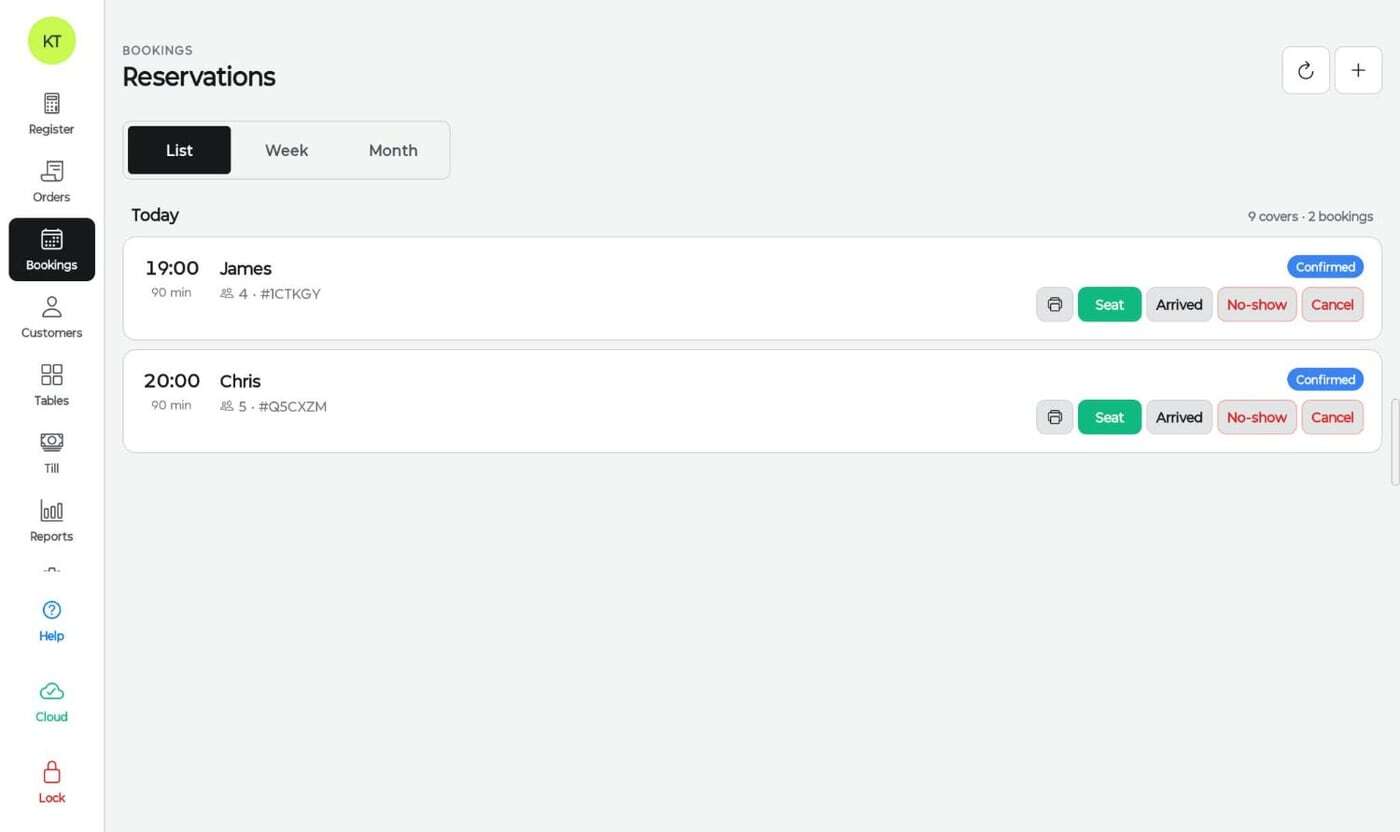
Online bookings with time slots and party sizes, synced to the same floor plan your orders run on. Seat, mark arrived, no-show or cancel in one tap.

In short
Do I need a separate booking system for my restaurant?
Not with Kokipay. Reservations are built into Smart POS, so a booking knows about your real tables. Staff see the day’s covers, seat a party straight onto the floor plan, and the table’s order, bill and customer history all stay connected, with no second system to pay for or keep in sync.
Key facts
- Bookings in list, week and month views
- Covers and booking counts per day
- Seat, Arrived, No-show and Cancel in one tap
- Bookings linked to customer profiles
- Tied to your table floor plan
A booking system built into your ordering
Bookings that show up
Online bookings 24/7
Guests book from your website or ordering page, with no phone tag.
Covers at a glance
See today’s covers and bookings, then flip to week or month to plan rosters.
Floor plan aware
Bookings map to real tables, so the front desk sees exactly what is free and when.
One-tap seating
Seat a booking and the table opens in the register, ready for the first order.
Confirmations and reminders
Confirmation and reminder messages cut forgotten bookings.
Know your regulars
Bookings attach to customer profiles with visits, spend and notes.

Floor
Tables, sessions and status in one view
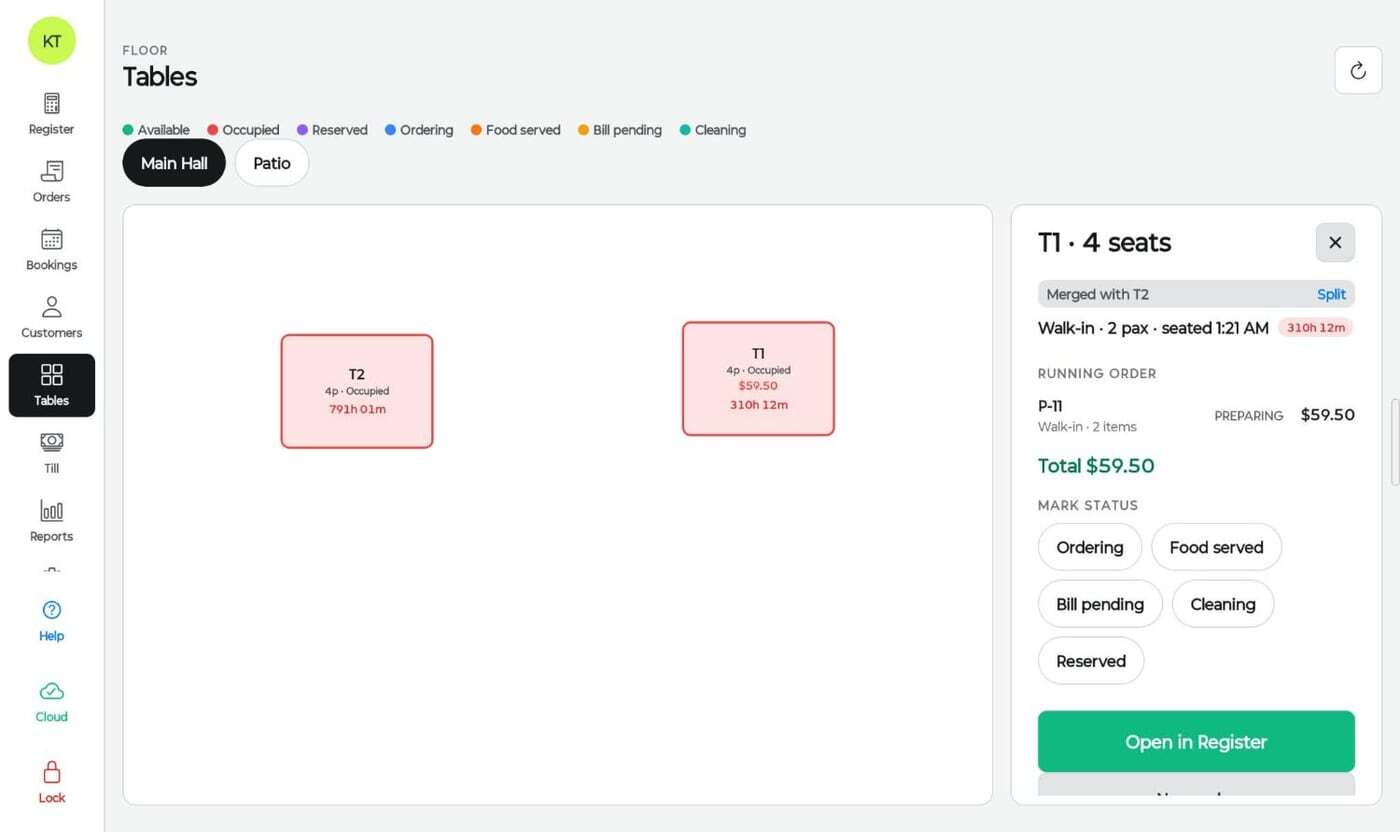
The floor plan shows every table as available, occupied, reserved, ordering, food served, bill pending or cleaning, with the running order and time seated.
- Multiple rooms such as Main Hall and Patio
- Merge and split tables for big groups
- Open any table straight in the register
Works with
One system, not a stack of apps
Every Kokipay module shares the same menu, customers, orders and reports.
FAQ
Reservations FAQs
Can guests book online?
Yes. Guests can book from your website or ordering page at any time, and the booking appears in your POS.
How do reservations connect to tables?
Bookings are tied to your floor plan. Tap Seat and the party is placed on a table, which then opens in the register.
Can I track no-shows?
Yes. Mark a booking as Arrived, No-show or Cancelled, and the history stays on the customer’s profile.
Talk to us
Curious? We welcome you to find out!
Reach out to us, and we'll give you all the information you need to make an informed decision. We're confident you'll be impressed with our service.
Get in Touch
Say goodbye to costly EFTPOS and outdated POS
Leave your details and our team will be in touch.
- Local Australian team on standby
- No lock-in contracts
- $0 Advanced Smart POS software
- $0 Online and QR ordering